Shipping
Manage Shipping Addresses
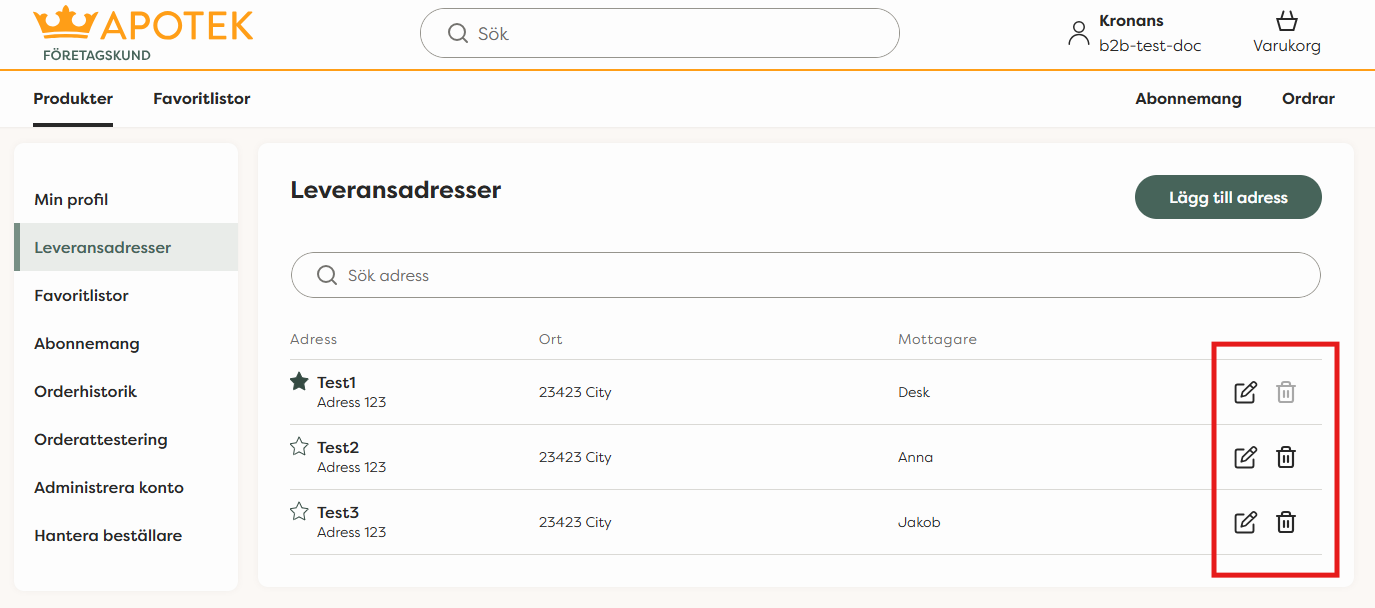
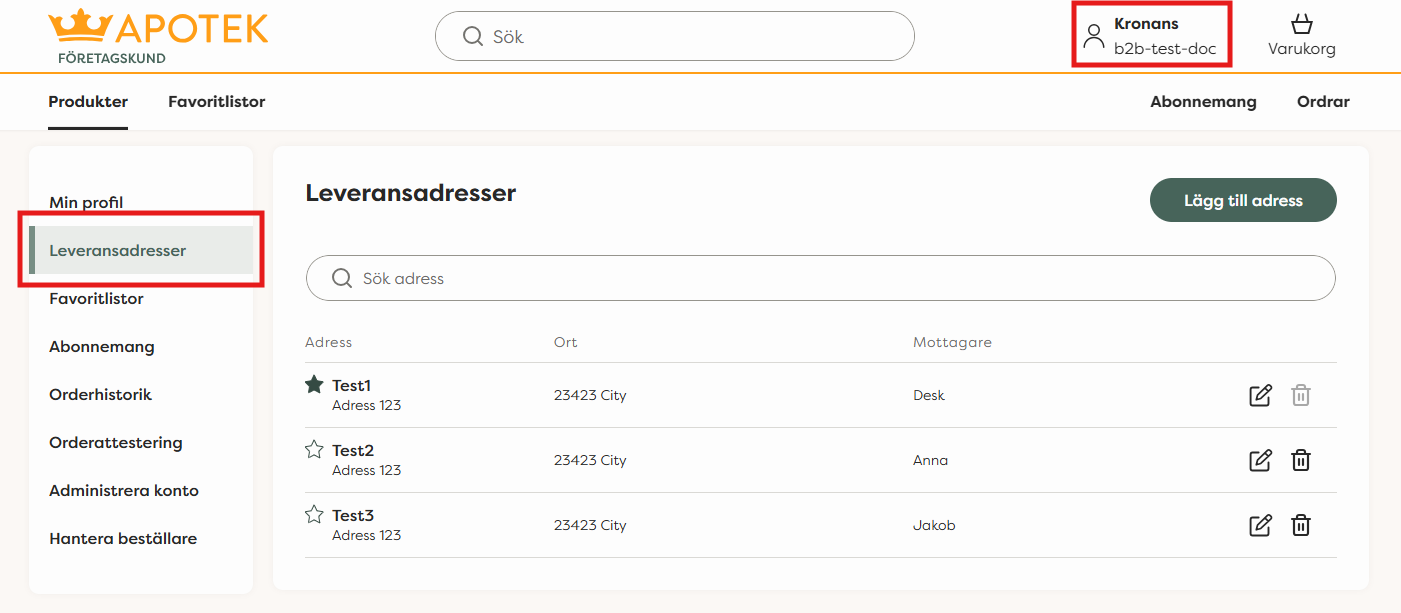
Click on "Your Name" to open your personal "My Account" view. Under the "Shipping Addresses" section, you will see your saved addresses. There you can add a new shipping address, edit an existing address, or delete an address that is no longer needed.
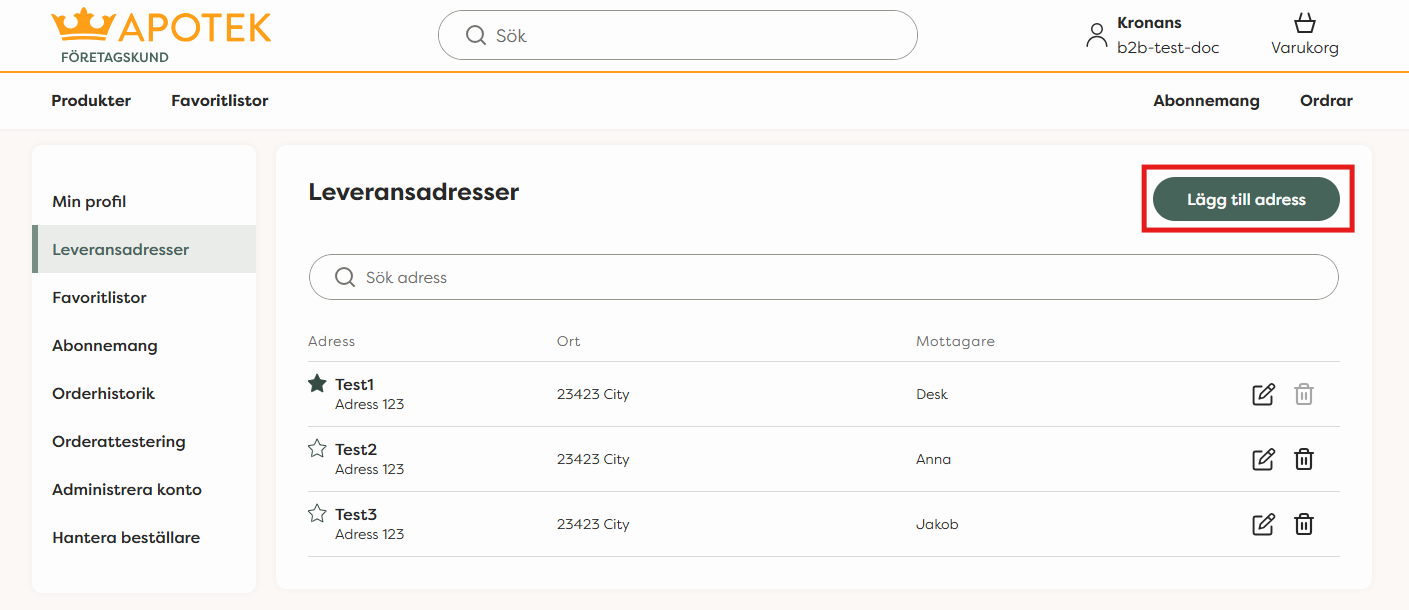
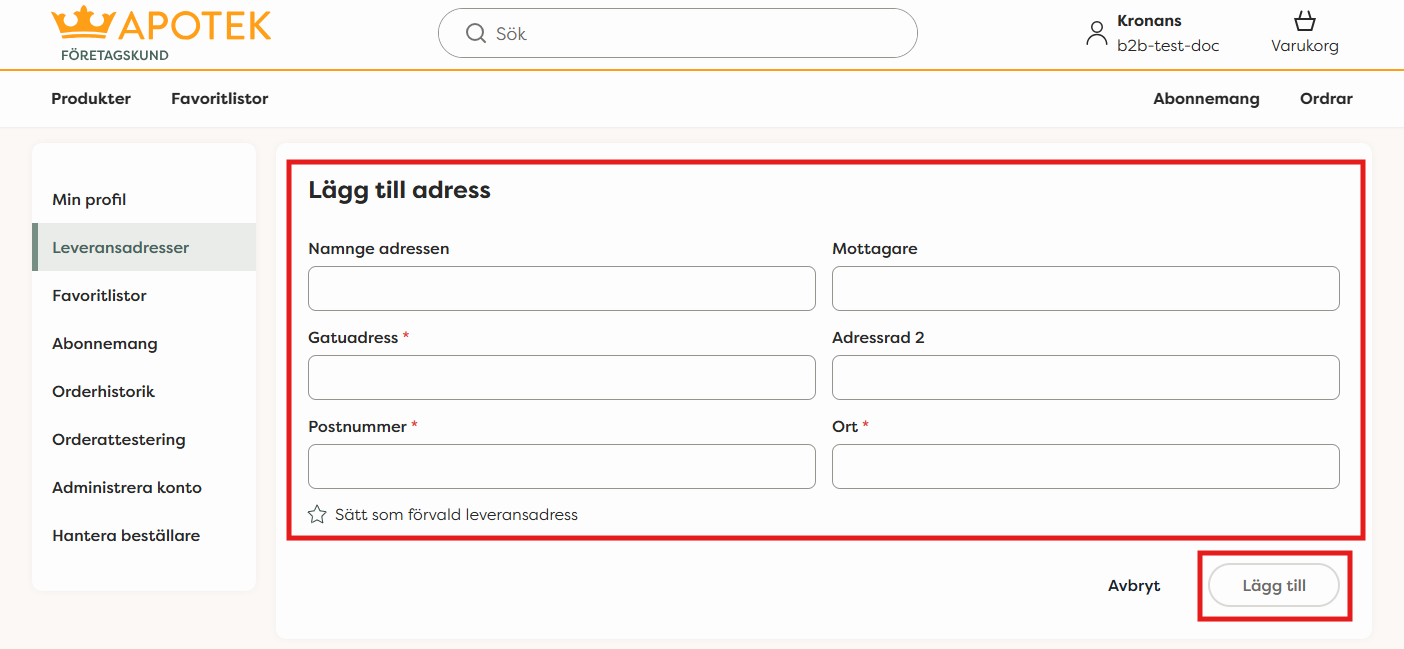
To add a new shipping address, click on the "add address" icon to the right. You can enter any name for the address, add recipients if desired, and use an extra address line if necessary. The required fields are street address, postal code and city. You can also star an address to easily set it as the default delivery address when ordering.
To change the information in an existing shipping address, click the pencil icon to the right of the address. Update the desired details and save the changes. You can delete a shipping address by clicking the trash can icon next to the address.